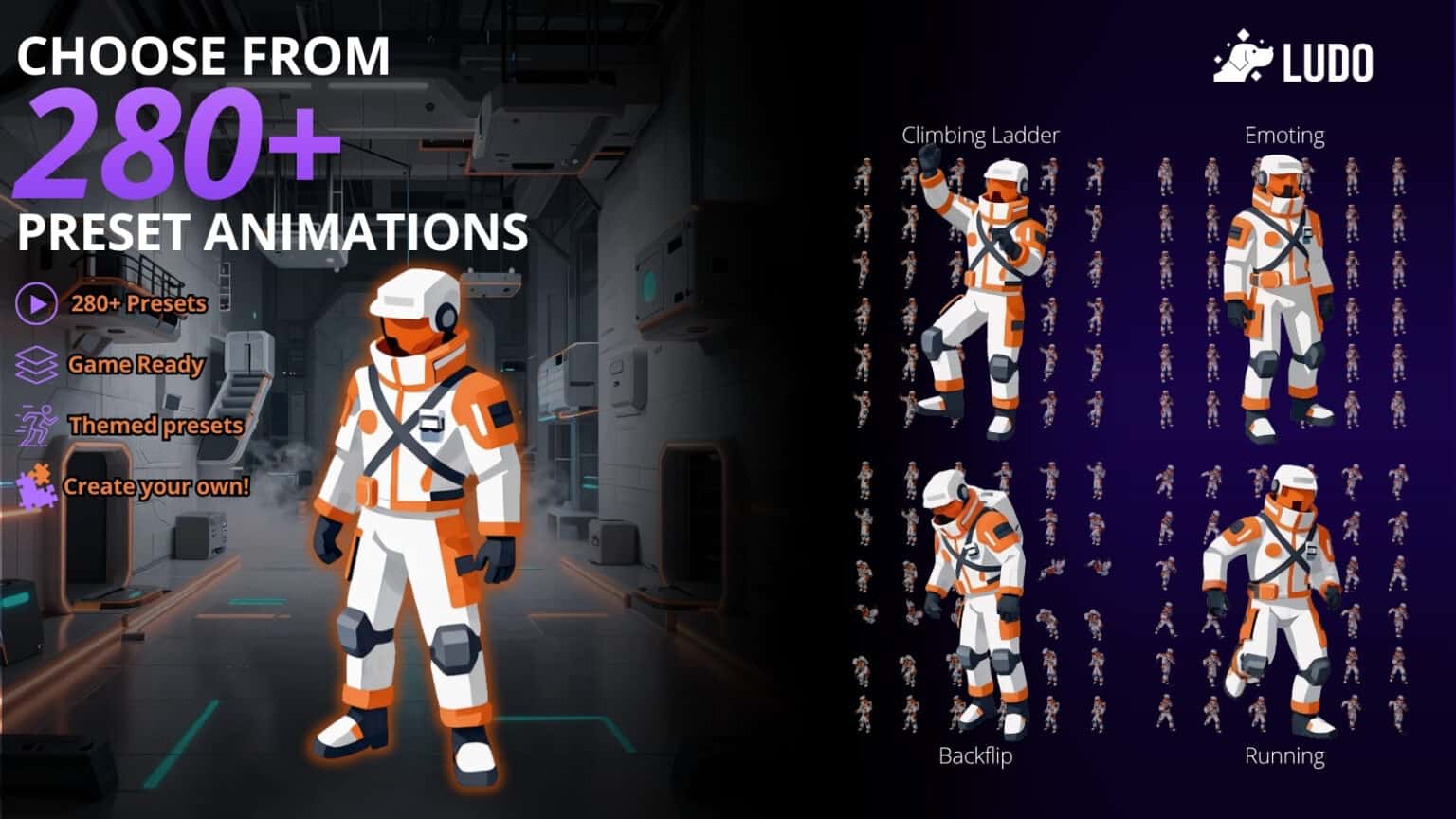

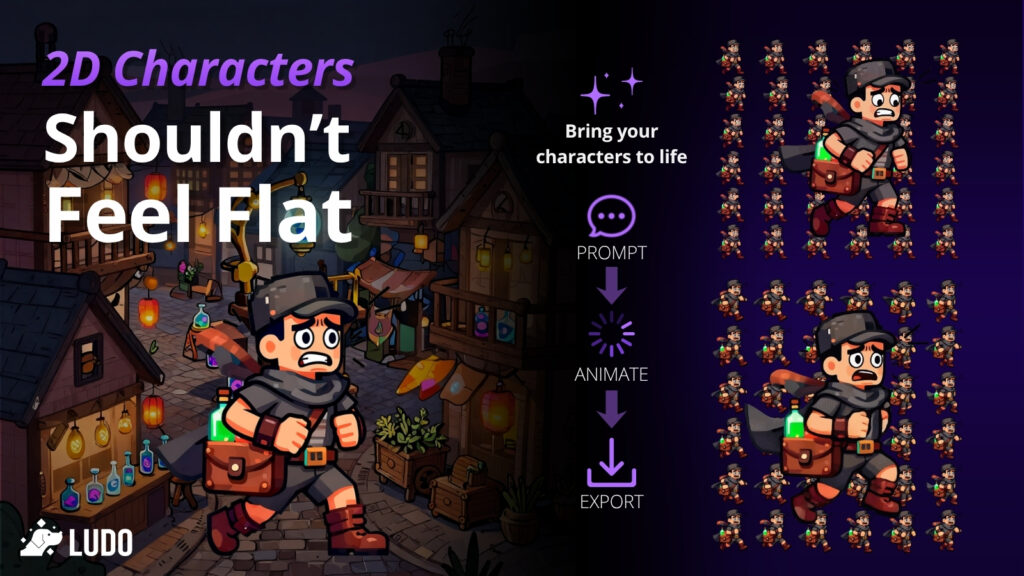
Ludo.ai, AI game design and production hub, has announced major updates to its Sprite Generator that help developers turn a single sprite into a complete, game-ready animation set with significantly less manual work. The latest release introduces a revamped Pose Generator, new Sequence and Transition tools and updated export options designed to remove common bottlenecks for solo developers and small teams. The update follows Ludo.ai’s recent expansion of its development workflow tools, including the launch of its API and MCP beta for game asset creation.

Small studios move fastest when tools match real production needs and workflows. These Sprite Generator upgrades are designed to save time at the exact moments teams usually slow down: posing, connecting animations and exporting assets in consistent formats. The result is a smoother path from a single sprite to a complete set you can drop into your game and start tuning immediately.
Sprite animation often slows down at the points where teams lose time and consistency. Getting the right starting stance, generating clean angles, making animations flow from one state to the next and exporting assets at consistent sizes that match engine requirements can turn what was intended to be a quick prototype into days of iteration. These updates focus on keeping developers moving by reducing rework and making outputs easier to drop straight into production.
New pose generator
The updated Pose Generator gives developers two practical ways to prepare sprites for animation.
- Change pose – Lets teams pick from preset poses or write a custom description to generate pose variations while keeping the same style and proportions
- Rotate sprite – Makes it faster to generate additional angles from a single sprite using an interactive selector, helping teams build directional sets and character sheets with less inconsistency
Rapid sequencing and sprite transitions
Connecting animations cleanly is a common challenge for small teams, especially when two clips do not quite line up. Sprite Generator now includes new options that help create follow-on clips and bridges without manual frame matching.
- Generate Transition – Produces a short clip that bridges two animations by using the last frame of the source and the first frame of the target
- Generate After – Creates a follow-up animation that begins from the last frame of an existing clip
- Generate Before – Develops a lead-in animation that ends on the first frame of an existing clip
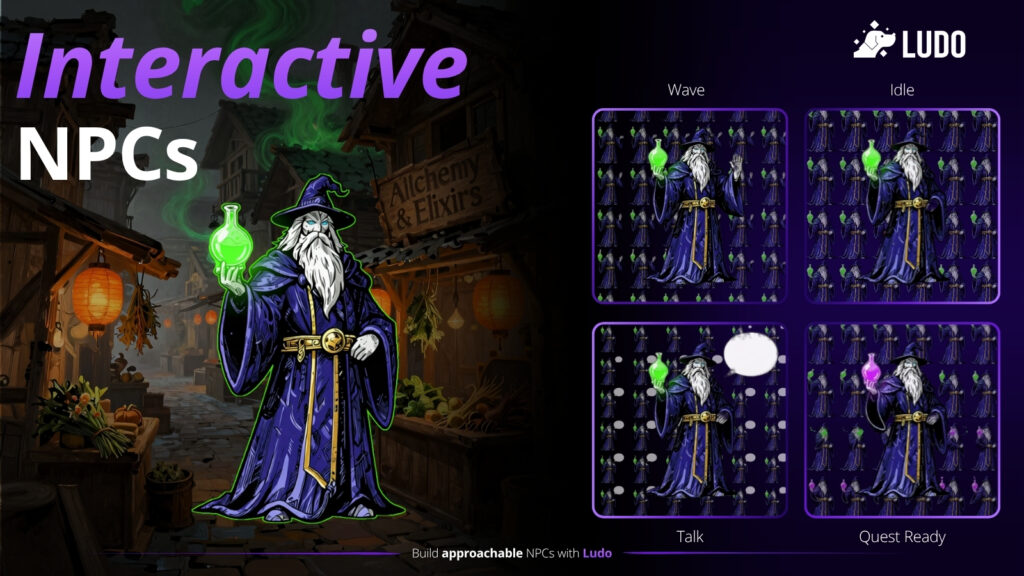
Rapid exports that drop into your workflow
Once a team has the animations they need, exporting them cleanly is what turns assets into usable content. Sprite Generator now includes export options built for the most common production workflows.
- Export as Animation Pack lets developers export multiple animations as separate sprite sheets while normalizing scale so the character stays consistent across the set, with alignment controls and preview before export
- Export as Animation Sequence lets developers order animations into a continuous chain and export in formats that suit different pipelines including a single sprite sheet, separate sheets or individual frames
To try Ludo today, visit https://ludo.ai